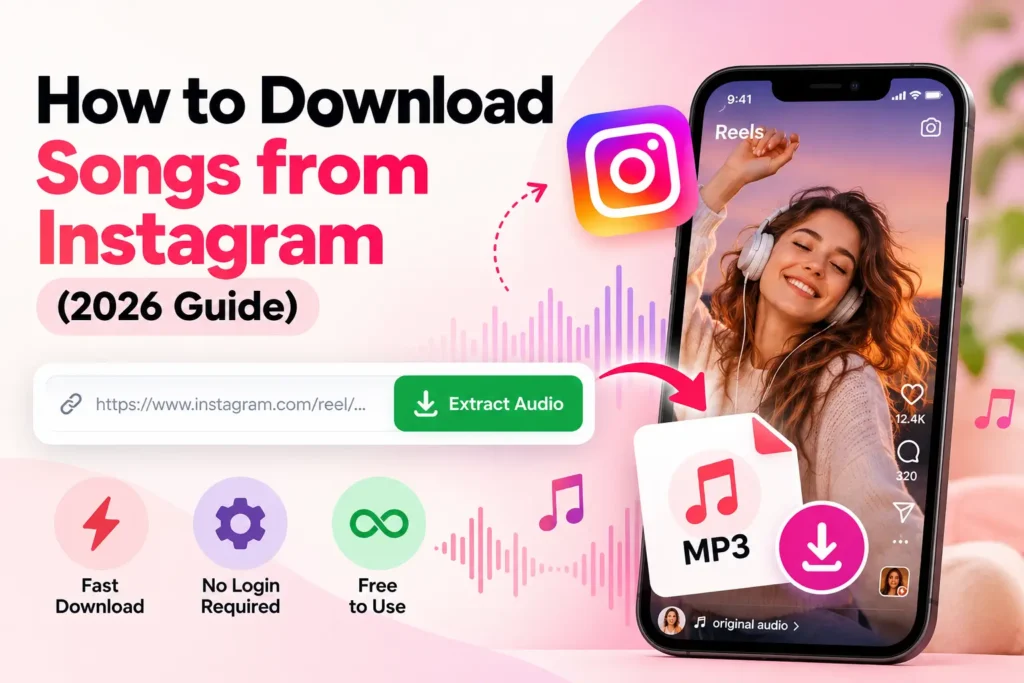
How to Download Songs from Instagram (2026 Guide)
Found a song you like on an Instagram Reel and want to save it to your phone? Instagram lets you save audio within the app, but it doesn’t give you a simple way to download that song as an MP3 file.
If the Reel is public, you can use an online Instagram downloader to save the song or sound from it. Just copy the Reel link, paste it into the downloader, and download the file.
In this guide, I’ll show you an easy way to download songs from Instagram, save sounds within the app, and fix common download problems..
How to Download Songs from Instagram
There are two common ways to save a song or audio from Instagram. You can either save the audio inside the Instagram app or download the audio file using an online tool.
Method 1: Download an Instagram Song as MP3
If you want to save the song or sound as a file on your phone or computer, follow these steps:
1. Copy the Instagram Reel link
Open Instagram and find the Reel you want to save. Tap Share and select Copy link.
2. Open the Instagram downloader
Open your browser and visit the Instagram downloader. There is no need to install an app or log in.
3. Paste the link
Paste the Reel URL into the downloader and start the process.
4. Download the file
If the Reel is public and supported, the available download option will appear. Select MP3 or the available format and save the file to your device.
That’s it. You can now access the saved file from your phone, tablet, or computer.
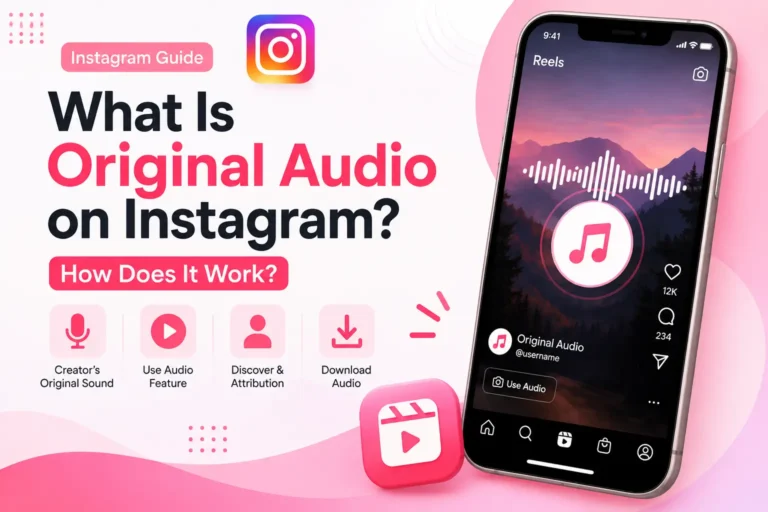
Method 2: Save Audio Inside Instagram
IIf you don’t need an MP3 file, Instagram also lets you save a song or sound for later use.
To save it inside Instagram:
- Open the Reel containing the song.
- Tap the song or sound name shown on the Reel.
- Tap Save Audio.
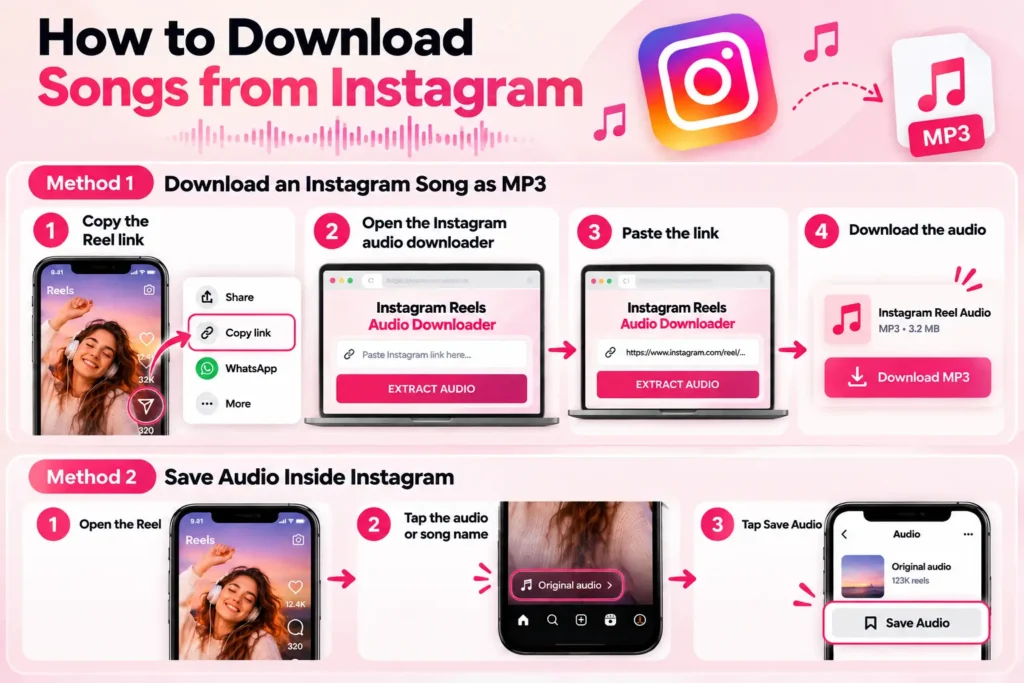
You can find your saved sounds later from your Instagram account.
Keep in mind that saving a sound on Instagram is different from downloading it. Saved sounds stay within Instagram, while downloading creates a file that you can store on your device.
What Types of Songs Can You Download from Instagram?
The type of sound you can download depends on the Reel and whether its content is publicly accessible. Common types include:
- Songs and music used in Reels
- Original creator sounds
- Trending sounds
- Remixes
- Background music
- Voice recordings
- Spoken clips
- Other sounds from public Reels
Why Download Songs from Instagram?
People download Instagram songs and sounds for different reasons. You may want to listen offline, keep a clip for later, or use it in an editing app.
Having the file outside Instagram can also make it easier to organize and access whenever you need it.
Creators may download songs or sounds when working with their own content or material they have permission to use.
However, downloading a file does not automatically give you permission to reuse copyrighted music. Always consider the creator’s and copyright holder’s rights before using downloaded content publicly or commercially.
Why Can’t I Download an Instagram Song?
Sometimes an Instagram Reel won’t download or its audio can’t be extracted. This can happen for several reasons.
| Problem | Possible reason | What to try |
| Private Reel | The account or content is private | Try a publicly accessible Reel |
| Deleted Reel | The original post is no longer available | Use another active Reel |
| Invalid link | The copied URL is incomplete or incorrect | Copy the link again from Instagram |
| Download doesn’t start | Temporary connection or service issue | Refresh and try again |
| Audio isn’t available | The source may not provide accessible audio | Try another public Reel |
If your link is valid but the audio still isn’t downloading, see our detailed guide on Instagram Reel audio not downloading.
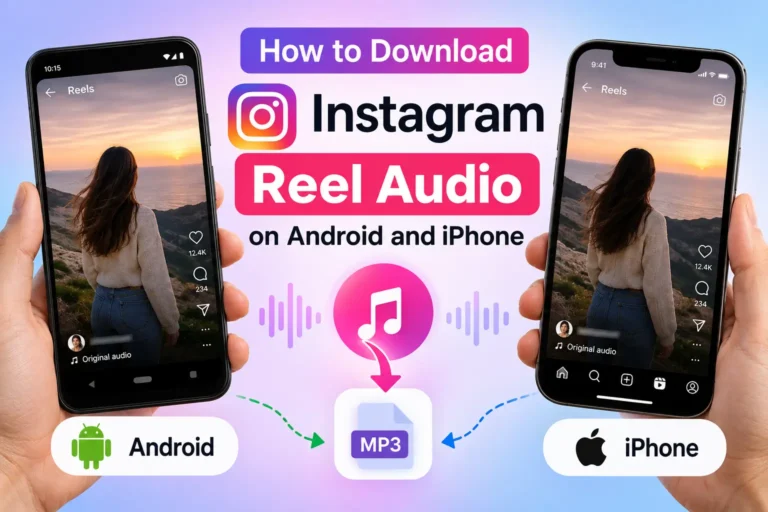
How to Download Instagram Songs on Android and iPhone
You don’t normally need a separate application to download audio from a public Instagram Reel.
Android
Open Instagram, copy the Reel link, and open the downloader in your mobile browser. Paste the URL and download the available audio file.
iPhone
The process is similar on iPhone. Copy the Reel URL from Instagram, open the downloader in Safari or another supported browser, paste the link, and save the resulting audio file.
Windows or Mac
On a computer, copy the Instagram Reel URL and paste it into the downloader using your browser. If an MP3 option is available, you can save the file directly to your computer.
For more detailed mobile instructions, see how to download Instagram Reel audio on Android and iPhone.
How to Get Better Instagram Audio Quality
The final audio quality depends partly on the original Reel and the audio available from it. A downloader cannot create quality that isn’t present in the source.
For better results:
- Use the original public Reel URL.
- Avoid using an edited or incomplete link.
- Use a stable internet connection.
- Choose the highest-quality audio option available.
- Avoid repeatedly converting the same audio between different formats.
If you want to understand what affects the quality of an MP3 file, read our guide to MP3 bitrate and Instagram audio quality.
Is It Safe to Download Songs from Instagram?
Using an online downloader does not require you to give the service your Instagram password. You should never enter your Instagram login details into a downloader just to retrieve a public Reel.
For safer browsing, use a reputable service, avoid suspicious downloads or browser extensions, and keep your browser and device updated.
Also remember that safe downloading and legal reuse are two different things. An audio file being available for download does not necessarily mean you have permission to republish, sell, or use the music commercially.
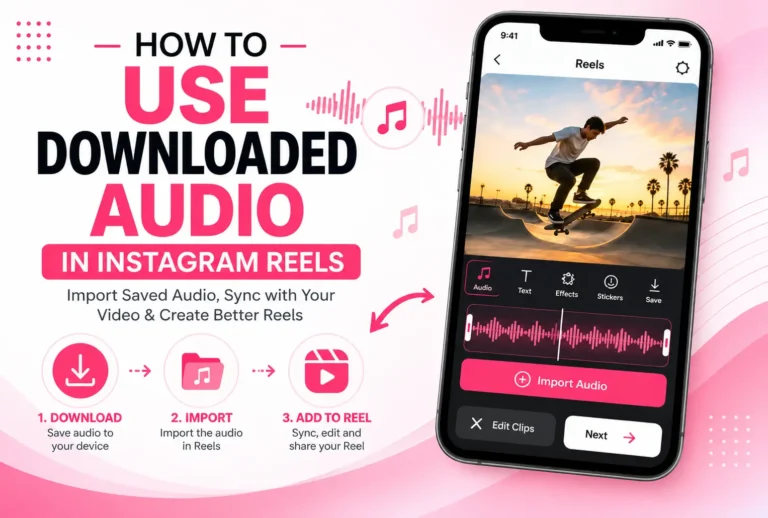
Can You Use Downloaded Instagram Songs?
That depends on the song and how you plan to use it.
Downloading a file for personal listening is different from using copyrighted music in an advertisement, YouTube video, business project, or other commercial content.
Before reusing someone else’s music or sound, check whether you have permission or an appropriate license.
Frequently Asked Questions
Final Words
Downloading a song from an Instagram Reel can be simple when the Reel is public and its audio is accessible. Copy the Reel link, paste it into an Instagram downloader, and download the available file.
If you only want to keep the sound for later use within Instagram, use the Save Audio option instead.
For the best results, use a public Reel and its original URL. Also, make sure you respect the copyright and usage rights associated with the content.