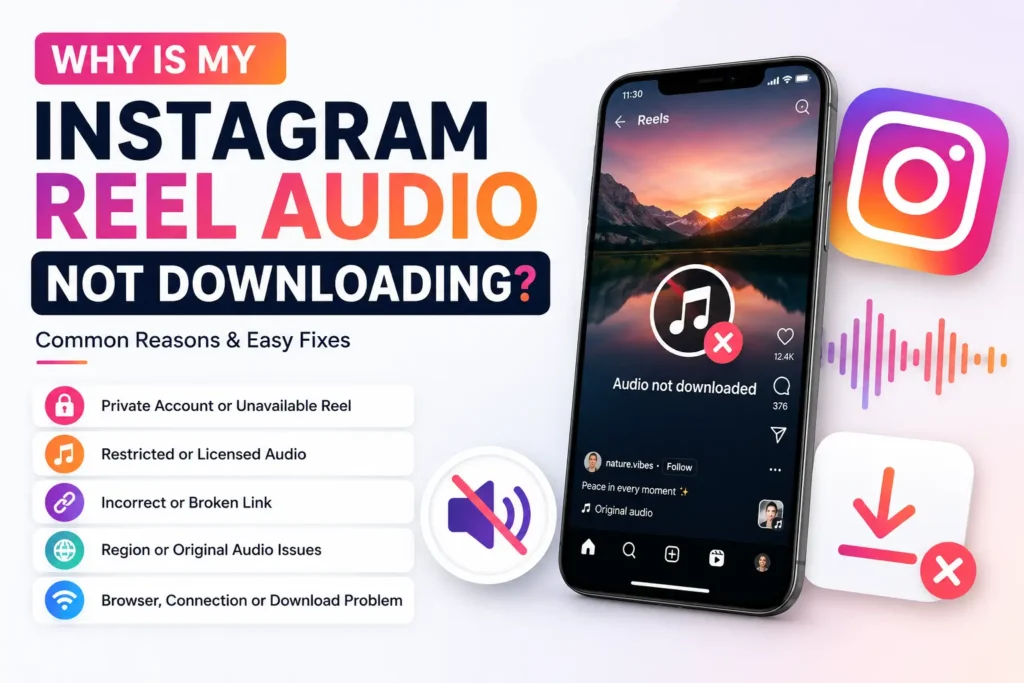
Why Is My Instagram Reel Audio Not Downloading?
If your Instagram Reel audio is not downloading, the problem is usually with the Reel itself, the audio track, the link you copied, your browser, or a temporary processing issue. In some cases the file downloads successfully but plays without sound.
The fastest way to find the cause is to check the source first. Before you paste anything into Reels Audio Downloader, make sure the Reel is still available, plays normally, and has sound. The sections below run from the most common cause to the least, so work through them in order.
1. The Reel Is From a Private Account
Browser-based tools can only process publicly accessible content. If a Reel belongs to a private account, its media is not served through a public link, so there is nothing for the tool to fetch.
Open the Reel’s link in a browser where you are logged out of Instagram. If it loads, the Reel is public. If it asks you to sign in, the account is private and the audio cannot be retrieved.
2. The Reel Has Been Deleted or Is No Longer Available
A saved link can outlive the content behind it. If the creator deleted the Reel, deactivated the account, or Instagram removed the post, the link still exists while the media is gone.
Paste the link straight into your browser. If the Reel no longer opens on Instagram itself, there is no content left to process.
3. The Instagram Reel Link Was Not Copied Correctly
An incomplete or incorrect link can stop the tool from finding the Reel. Instagram’s share menu can also produce a profile or Story link instead of a Reel link.
Copy a fresh link directly from Instagram:
- Open the Reel.
- Tap the Share icon.
- Select Copy Link.
- Confirm it reads instagram.com/reel/… and not instagram.com/username/.
If anything follows a ? in the URL, you can trim it — a clean link is less likely to fail. Paste it into your browser once to confirm it opens the correct Reel before downloading.
4. The Reel Uses Restricted or Licensed Audio
This is the most common reason a Reel plays with sound in the app but downloads silent or without its track.
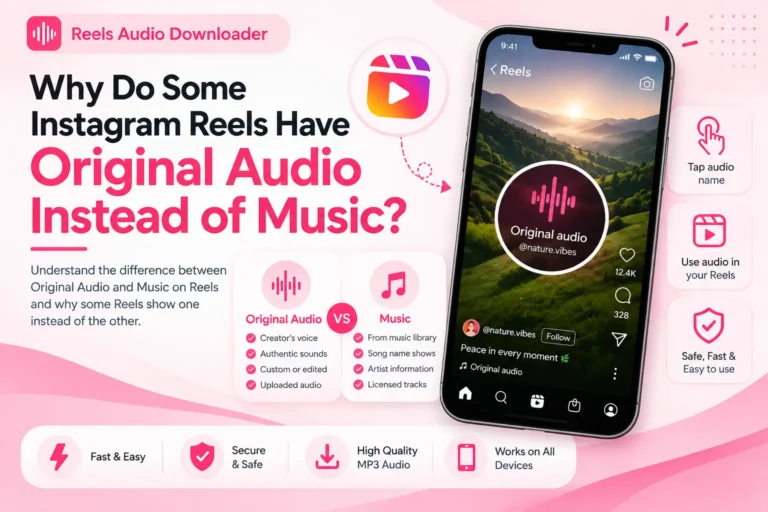
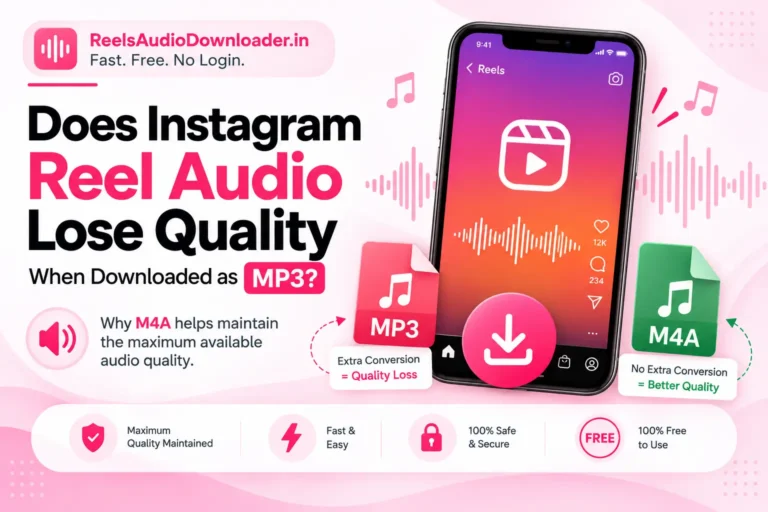
Music taken from Instagram’s audio library is licensed for playback inside Instagram only, not for saving as a separate file. Instagram has confirmed that a Reel using a licensed audio clip downloads without sound — only Reels with original audio, such as a creator’s own voiceover or recorded sound, keep their audio in the saved file. This tightened further in 2026, as Instagram’s audio detection now scans even short background sounds.
Tap the audio title at the bottom of the Reel to check. A song name with an artist means licensed audio that may not come through. “Original audio” with a username should save normally. For a commercial track, get it from a music service instead.
5. The Original Reel Has No Available Sound
Sometimes the issue is the source Reel, not the download. If there is no usable sound to begin with, nothing can extract it. This happens when:
- The Reel was posted without sound, or with the audio muted.
- The original audio is no longer available.
- Instagram removed the track after posting because it detected a rights issue — this can silence an older Reel that once had sound.
- The audio is unavailable in your location.
Play the Reel inside Instagram with your volume up before retrying. If it is silent there, the download will be silent too.
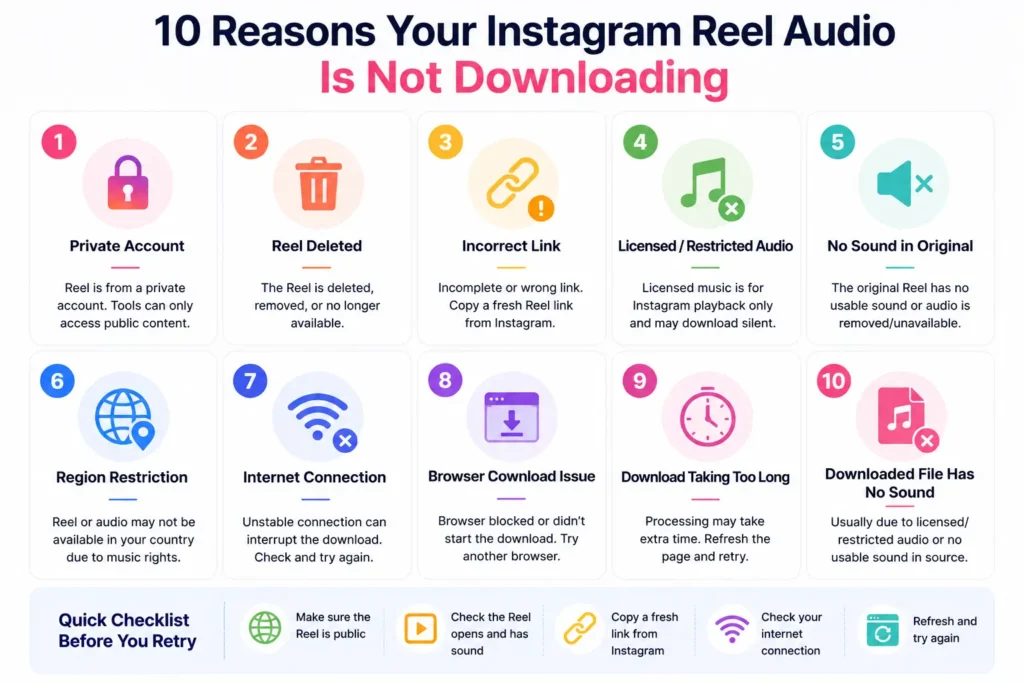
6. The Reel or Audio May Not Be Available in Your Region
Some content, and more often specific music tracks, can have different availability depending on location. A Reel that works for one person may not load or may play without sound for another, because music rights are frequently granted country by country. If others can open a Reel that you cannot, a regional restriction is a likely reason.
7. Your Internet Connection Is Interrupting the Download
A weak or unstable connection can interrupt the transfer and leave you with nothing or a broken file. Switch between Wi-Fi and mobile data, confirm your connection is stable, refresh the page, and copy the Reel link again before retrying.
8. The Browser Download Did Not Start
Sometimes the Reel is processed correctly but the browser does not begin the download. Try these:
- Reload the page and submit the link again.
- Check whether your browser is showing a download permission or confirmation prompt.
- Look in your browser’s download section.
- Open the downloader in another browser.
- If you are using Instagram’s in-app browser, switch to Chrome, Safari, or another standard browser.
On iPhone, check Settings → Safari → Downloads for a save location, and look in the Files app to see where saved files land.
9. The Download Is Taking Too Long
A slow connection or a brief processing delay can make a download run longer than expected. The tool is fetching the Reel from Instagram and preparing the file, which takes a few extra seconds when Instagram is slow to respond. If the page keeps loading, refresh it and try again with a newly copied link.
10. The Downloaded File Has No Sound
This is different from a download that never starts — here the file saves, but plays silent. The usual reasons:
- Licensed music, which Instagram strips on download by design (see cause 4). This is the most common one.
- Restricted audio that plays in the app but is limited for download.
- A source with no usable sound (see cause 5).
- A one-off processing issue, which re-copying the link and retrying can clear.
If the Reel plays with sound on Instagram but still saves silent, retry once with a fresh link before concluding the track is restricted.
How to Fix Instagram Reel Audio Download Problems
Before trying again, run through this quick checklist:
- Make sure the Reel is from a public account.
- Confirm the Reel still opens and plays on Instagram.
- Play it and check the original has sound.
- Copy a fresh link directly from Instagram.
- Paste the complete link without editing it.
- Refresh the downloader and try again.
- Check your internet connection.
- Try another browser if the download does not start.
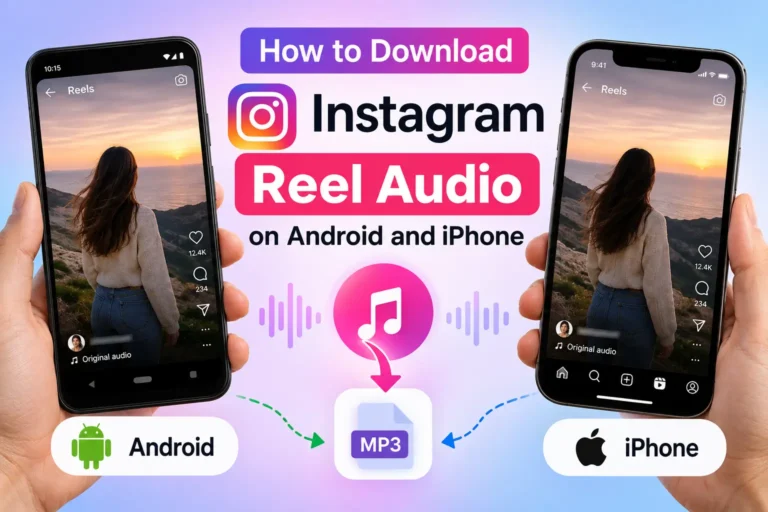
If you want the full walkthrough for saving the file, see our guide on how to download Instagram Reel audio on Android and iPhone.
When the Problem Is With Instagram, Not the Downloader
Not every issue can be fixed by refreshing the page or switching browsers. If the Reel has been deleted, is private, is region-restricted, or uses licensed audio that Instagram does not allow to be saved, the block sits on the source side. In those cases, trying different links or browsers will not change the result — the content or track simply is not available. Confirming that the Reel is public, still available, and playing with sound is always the best first step.
FAQs
Still Can’t Download the Reel Audio?
In most cases you can pinpoint the issue by checking the Reel, its audio, and the copied link first. Make sure the content is public, still available, and playing with sound before trying again.
Once you have confirmed those points, paste a fresh Reel link into Reels Audio Downloader and try the download again.