Does Instagram Reel Audio Lose Quality When Downloaded as MP3?
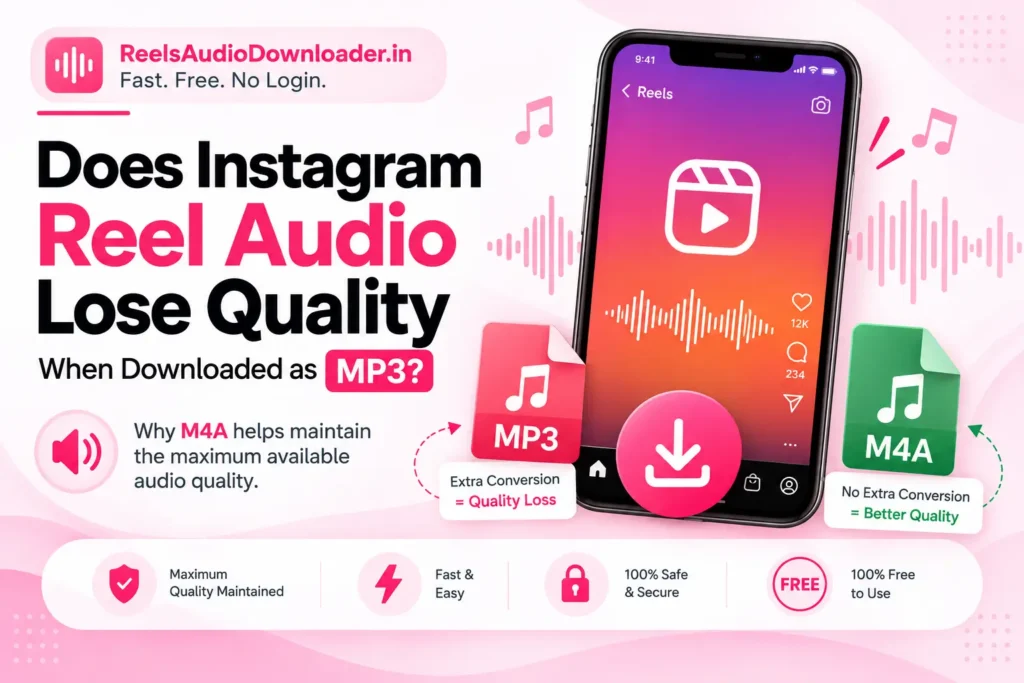
Yes, Instagram Reel audio can lose some quality when it is converted to MP3. The audio available from Instagram may already be compressed, and converting it again into MP3 can add another lossy encoding step.
However, downloading audio itself does not automatically reduce its quality. What matters is whether the download process unnecessarily converts the available audio into another format.
That is where ReelsAudioDownloader.in is different.
Instead of forcing Instagram Reel audio through an MP3 conversion, our tool provides the audio in M4A format. This helps avoid an unnecessary additional conversion and maintain the maximum quality available from the Instagram source.
In simple terms:
Instagram audio → ReelsAudioDownloader.in → M4A download
Instead of:
Instagram audio → MP3 conversion → Additional encoding
Our tool does not create better audio than Instagram provides or restore information that was already removed during earlier compression. Instead, it focuses on avoiding an unnecessary MP3 conversion that could further affect the available audio quality.
Why Instagram Reel Audio Can Lose Quality as MP3
Before you download a Reel, its audio has already gone through Instagram’s processing and delivery system.
The process can be simplified like this:
Original audio → Instagram processing → Available audio
If a downloader then converts that available audio into MP3:
Available audio → MP3 conversion → Download
another lossy encoding stage is added.
This does not mean every MP3 will sound noticeably worse. For normal listening, the difference may be difficult to hear. However, converting already-compressed audio into another lossy format cannot restore missing information and may introduce additional quality loss.
The available Instagram audio is therefore the starting point for your download. No tool can go beyond the quality of the source that is actually available.
Why Our Tool Uses M4A Instead of MP3
This is the main difference between our tool and downloaders that automatically convert every Reel into MP3.
MP3 is a useful format and works with almost every device. But if the available audio is already compressed, creating a new MP3 version adds another conversion step that may not be necessary.
ReelsAudioDownloader.in provides the downloaded audio in M4A format instead.
Our approach is:
Instagram audio → M4A download
By avoiding an unnecessary MP3 conversion, the tool is designed to maintain the maximum quality available from the Instagram source.
We do not artificially improve Instagram audio. We simply avoid unnecessarily lowering the available quality through an extra MP3 conversion.
This is particularly useful when your priority is preserving the audio as closely as possible to the version available from Instagram.
If you are specifically trying to save a creator’s own recorded sound rather than the music attached to a Reel, you may also find our guide on how to use Instagram Reels original audio instead of music helpful.
Does M4A Automatically Mean Lossless Audio?
No.
M4A does not automatically mean that every audio file is lossless or that the audio has never been compressed.
The advantage of our tool is not simply the .m4a extension.
The important part is that the audio does not need to go through an unnecessary MP3 conversion before you download it.
If an available audio stream can be provided in M4A without creating a new MP3 version, another MP3 encoding stage is avoided.
So the accurate way to describe the benefit is:
M4A does not magically improve the audio, but it helps our tool avoid an unnecessary MP3 conversion and maintain the maximum quality available from the source.
Why 320 kbps MP3 Cannot Restore Lost Quality
A common misconception is that converting audio to a 320 kbps MP3 automatically gives you original or higher-quality audio.
It does not.
For example:
Compressed source → 320 kbps MP3
does not become:
Original high-quality recording
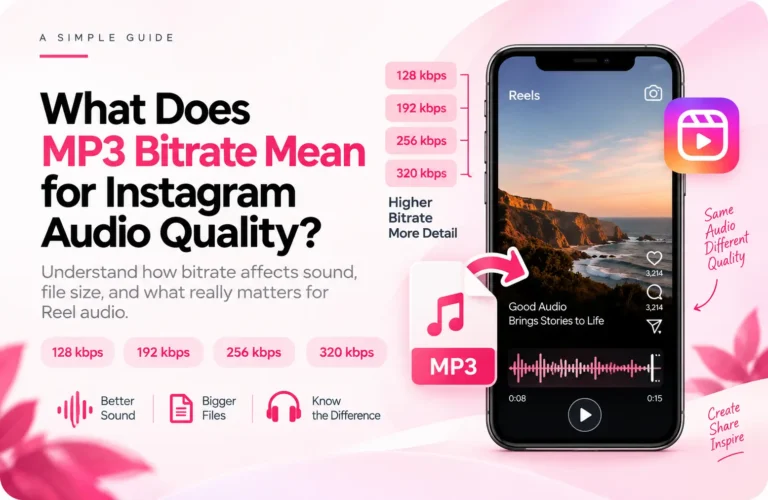
A higher bitrate can give the MP3 encoder more room to work with, but it cannot recreate information that was already removed before the conversion.
The result may be a larger file, but a larger file does not mean that missing audio detail has returned.
That is why avoiding an unnecessary conversion is generally more useful than converting the audio to the highest possible MP3 bitrate afterward.
Can You Actually Hear the Quality Difference?
Sometimes, but not always.
Whether you notice a difference depends on several factors.
The Original Reel Audio
If the audio already sounds distorted, noisy, or heavily compressed inside Instagram, downloading it cannot restore the missing detail.
The Type of Audio
Complex music can sometimes reveal compression changes more easily than simple speech.
For example:
- High-frequency sounds
- Cymbals
- Layered instruments
- Heavy reverb
- Fast percussion
may be more sensitive to repeated compression.
Your Listening Device
Small differences may be difficult to notice through a phone speaker but easier to hear using quality headphones or external speakers.
The Number of Conversions
Repeatedly converting audio can create additional opportunities for quality changes.
For example:
Instagram audio → MP3 → Editing → MP3 again
Avoiding unnecessary conversions is a better approach if you want to preserve the quality already available.
MP3 vs M4A for Instagram Reel Audio
| Feature | MP3 | M4A with ReelsAudioDownloader.in |
| Compatibility | Extremely wide | Widely supported on modern devices |
| Extra MP3 conversion | Required in MP3 workflow | Avoided |
| Can restore lost quality? | No | No |
| Main advantage | Universal compatibility | Maintains maximum available quality |
| Best for | Older devices and broad compatibility | Avoiding unnecessary MP3 conversion |
MP3 is still useful when you specifically need maximum compatibility with older devices or software.
However, if your main goal is to maintain the maximum quality available from the Instagram source, converting the audio into MP3 adds an unnecessary step.
That is why ReelsAudioDownloader.in uses M4A.
How to Get the Best Available Instagram Reel Audio Quality
A few simple steps can help you avoid unnecessary quality loss.
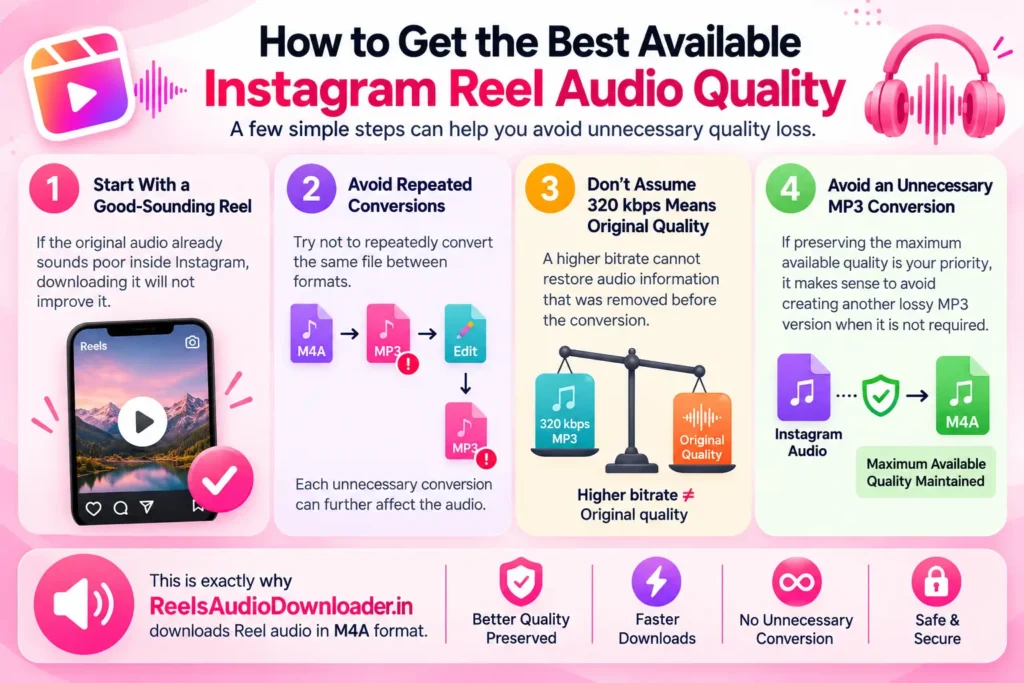
1. Start With a Good-Sounding Reel
If the original audio already sounds poor inside Instagram, downloading it will not improve it.
2. Avoid Repeated Conversions
Try not to repeatedly convert the same file between formats.
For example:
M4A → MP3 → Edit → MP3 again
Each unnecessary conversion can further affect the audio.
3. Don’t Assume 320 kbps Means Original Quality
A higher bitrate cannot restore audio information that was removed before the conversion.
4. Avoid an Unnecessary MP3 Conversion
If preserving the maximum available quality is your priority, it makes sense to avoid creating another lossy MP3 version when it is not required.
This is exactly why ReelsAudioDownloader.in downloads Reel audio in M4A format.
If you need help saving Reel audio on your phone or computer, you can follow our complete guide on how to download Instagram Reel audio on Android and iPhone.
What If Instagram Reel Audio Is Not Downloading?
A failed download does not necessarily mean there is an audio quality issue.
Sometimes the problem may be related to the Reel link, browser settings, a temporary Instagram issue, or the download process itself.
If your audio is not downloading, read our guide on why Instagram Reel audio is not downloading and how to fix it for possible solutions.
The Bottom Line
Instagram Reel audio can lose some quality when it is unnecessarily converted into MP3, particularly if the available audio has already been compressed before the conversion.
That is why ReelsAudioDownloader.in uses M4A instead of automatically converting the audio into MP3.
Our tool does not claim to improve Instagram’s audio or recreate the creator’s original master recording. Instead, it focuses on what the download process can control:
Avoiding an unnecessary MP3 conversion so the downloaded audio maintains the maximum quality available from the Instagram source.
With ReelsAudioDownloader.in, the process is simple:
Instagram Reel audio → M4A download → Maximum available quality maintained